Your website and Flo
In short
- The studio website reads its content from Flo: classes, team, locations, photos, schedules, blog and notices.
- Change something in the Flo admin and the website shows it the next time the page loads.
- You don't need the person who built the website to update a text, a photo or a schedule.
What it is
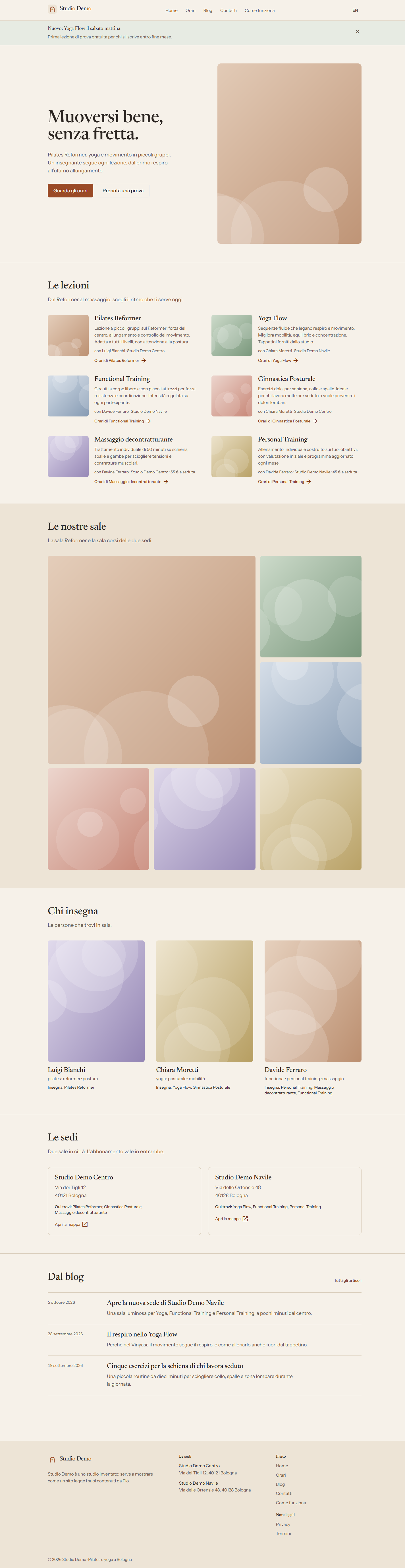
The studio's public website and Flo are connected. Flo keeps the content, the website shows it to visitors.
To show how it works we use Studio Demo, a made-up pilates and yoga studio. All names, addresses and photos are examples.
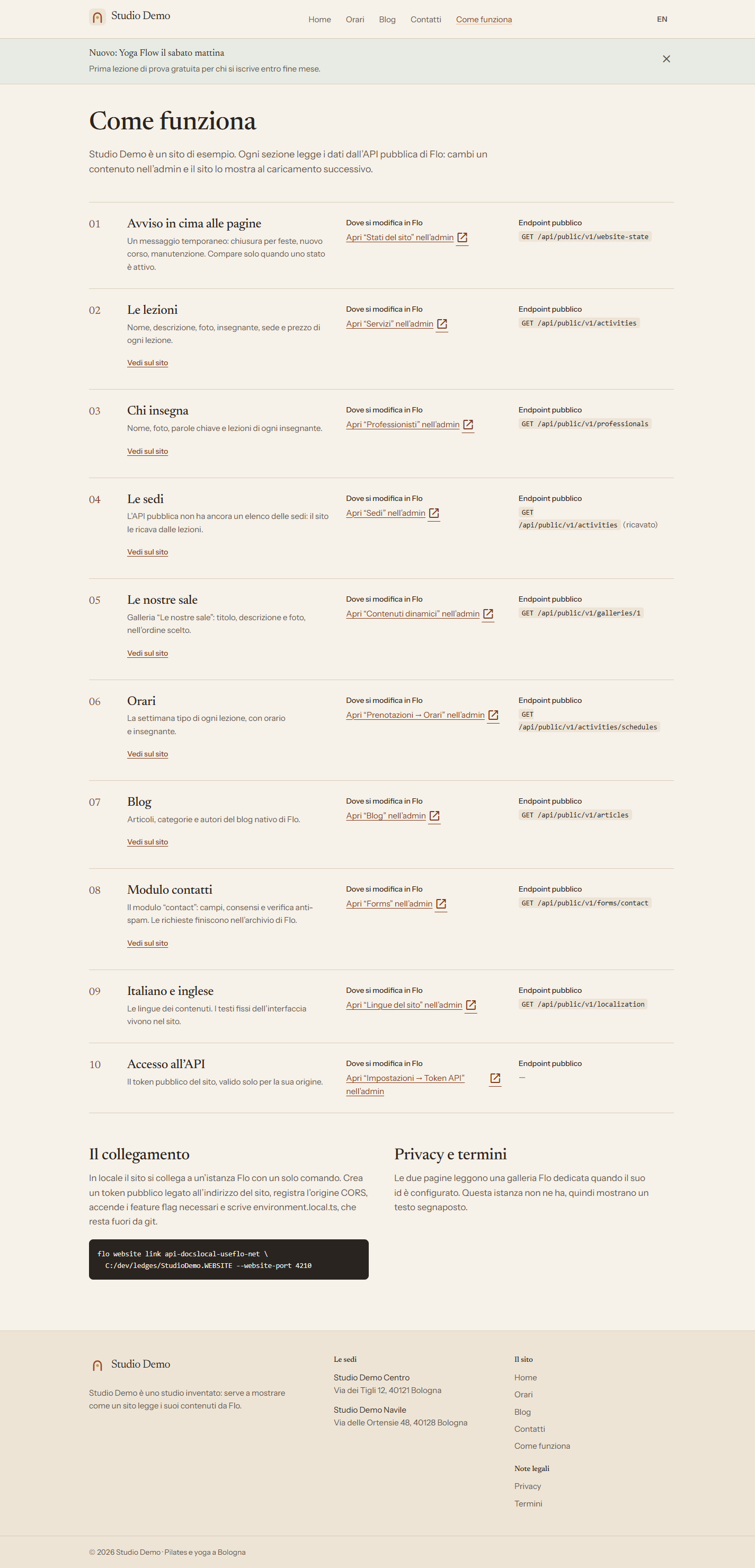
Which menu changes which part of the website
| On the website | Where you change it in Flo |
|---|---|
| Notice at the top of the pages (closures, news, maintenance) | Website > Website states |
| Classes: name, description, photo, price | Organization > Services |
| Who teaches: name, photo, classes | People > Team |
| Locations: address and the classes at each one | Organization > Locations |
| Photos of the rooms | Website > Dynamic content, Media section |
| Weekly schedule | Bookings, Schedule view |
| Blog articles | Website > Blog |
| Contact form | Website > Public forms |
| Website languages (Italian, English) | Website > Website languages |
The Studio Demo Come funziona page shows the same map, with a direct link to each menu.
Example: closing the studio for the holidays
- Open Website > Website states.
- Create a new state, write the message (for example "Closed from 24 to 26 December") and pick the dates.
- Press Save.
- Open the website: the notice appears at the top of every page on the chosen days and disappears by itself afterwards.
Example: changing the room photos
- Open Website > Dynamic content.
- Press Manage on the rooms gallery and switch to the Media section.
- Drag in the new photos, put them in the order you like and press Save.
- Reload the website: the photos appear in the same order.
More details in the Gallery guide.
What you don't change from Flo
- The look of the website: colours, fonts and layout are decided by whoever built the website.
- Fixed texts, such as the website menu items or the footer.
- The link between the website and Flo: the Flo team sets it up once, with an access key reserved for the website.
Note
If a change doesn't show up, reload the website page. If you still don't see it after a few minutes, contact support.